Ultimate Scanning Experience
Inventory management can feel like a constant battle — a struggle against misplaced items, inaccurate counts, and the tedious grind of manual data entry. You write down SKUs, count boxes one by one, and squint at labels, knowing one tiny mistake can ripple through your entire operation.
But what if you could turn this complex chore into a swift, accurate, and even satisfying process?
Welcome to the future of inventory management — powered by Maxilist's integrated scanning engine.
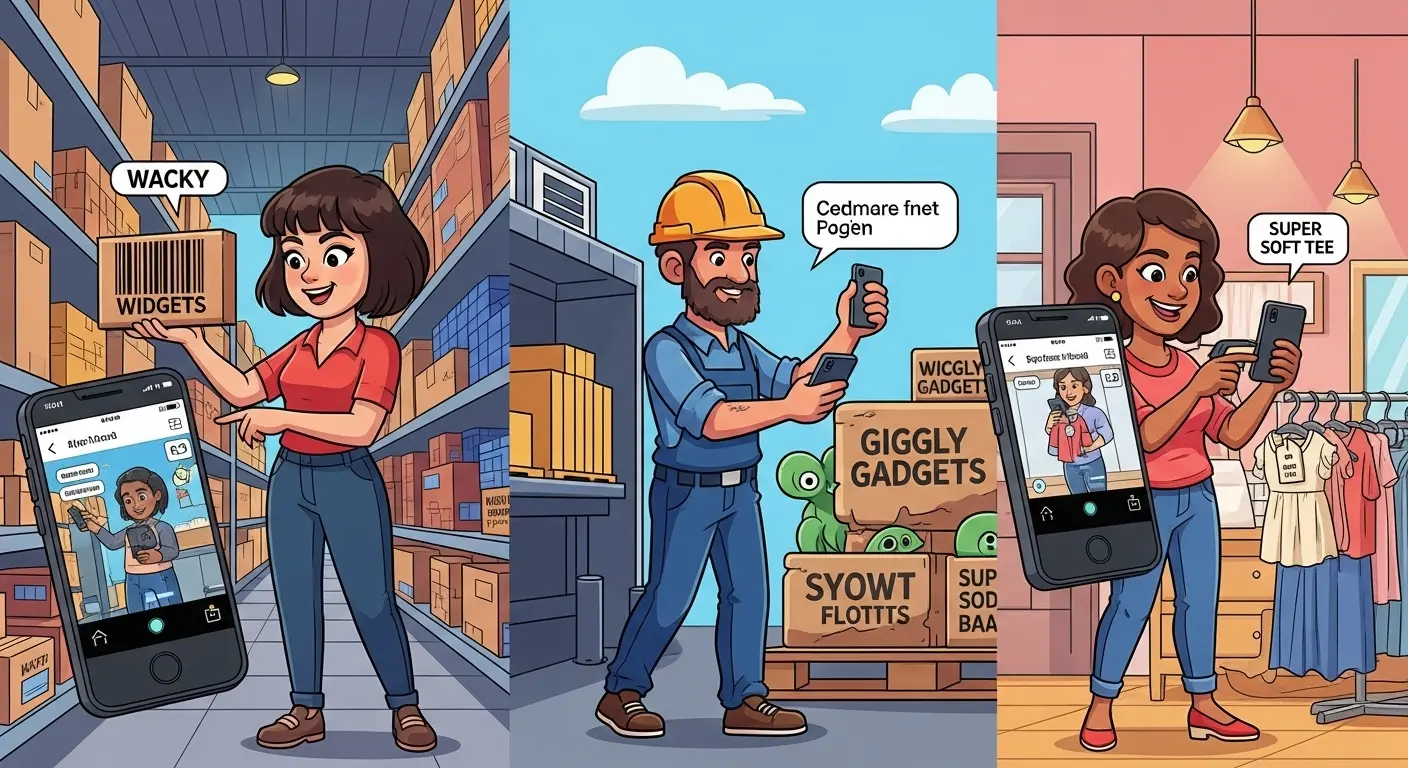
📱 With just your smartphone camera, you can capture data instantly, search your entire stock, and generate custom labels. Ditch the clipboard and pen — it's time to transform your workflow from sluggish to seamless.
🎯 Why a Good Scanner Is a Non-Negotiable Asset
In today's fast-paced world, efficiency is everything. A built-in scanner isn't just a luxury — it's an essential tool for any business or individual managing physical goods.
🔥 Key Benefits:
- ⚡ Blazing Speed: Scanning takes a fraction of a second — far faster than typing out serial numbers.
- ✅ Flawless Accuracy: Eliminate human error and avoid costly typos.
- 🔄 Streamlined Workflows: Scan through receiving, auditing, picking, and more.
- 💡 Instant Info: Access item details — price, stock, location — with one quick scan.
💼 The Maxilist Difference: Scanning That Adapts to You
Not all scanning tools are created equal. Maxilist offers a flexible, full-featured scanning toolkit designed to adapt to your unique needs.
1. 🔍 Scan to Search Your Entire Inventory
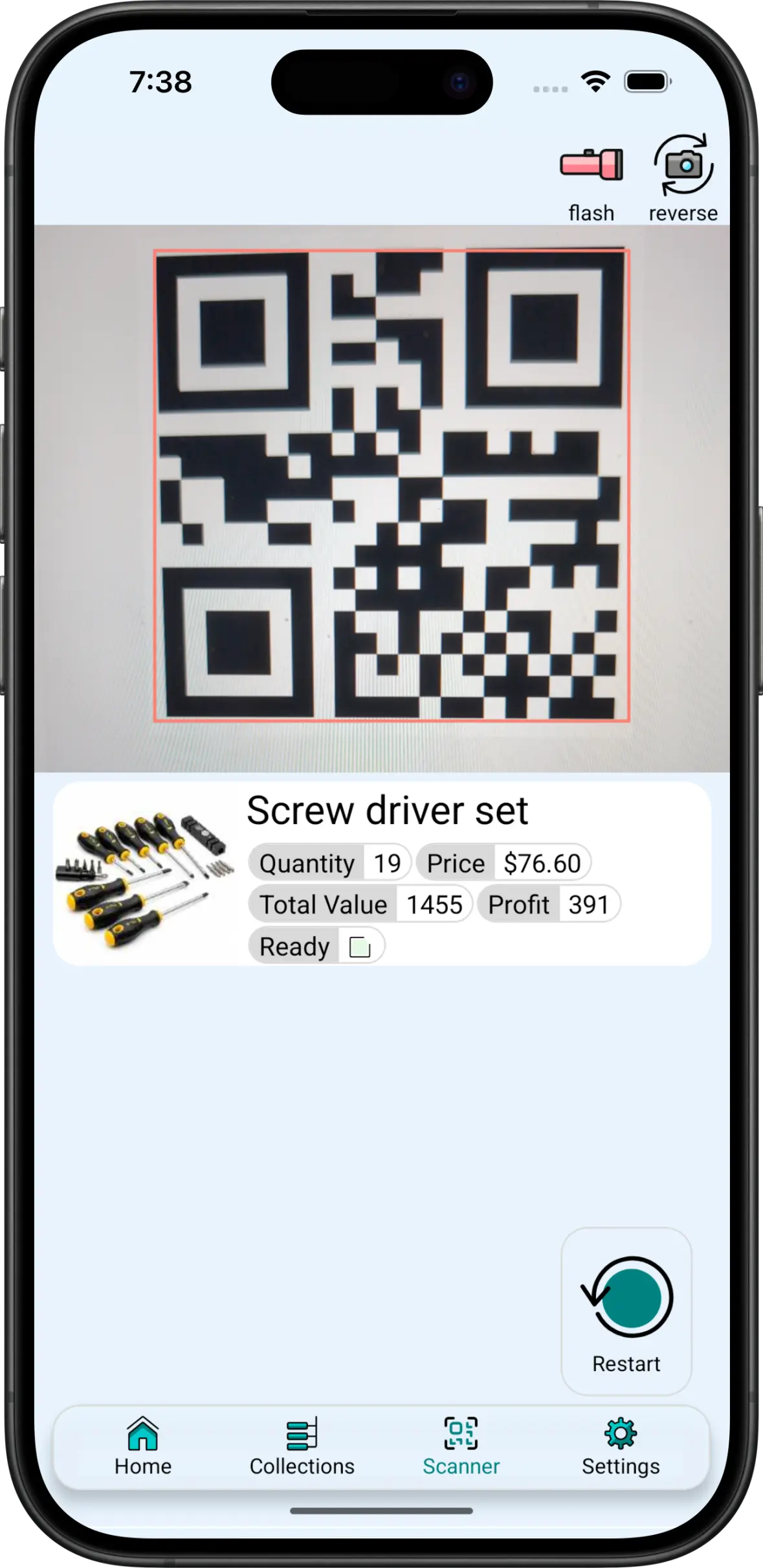
Imagine this: you're holding a product with a barcode you don't recognize. What is it? How many are in stock?
Just tap the scan icon, point your camera, and Maxilist instantly searches all item fields to find a match.
💡 Use Cases:
- 🏭 Retail: A customer hands you a product with no price tag — scan the barcode to pull up details instantly.
- 🏷️ Warehouse: Scan a misfiled box to check its correct bin location.
- 🔧 Field Service: Confirm a part matches the job specs with one scan.
📸 Image Suggestion: Show the Maxilist search bar with the scan icon and a phone screen capturing a barcode.
2. 🧹 Create Custom Scannable Data Fields
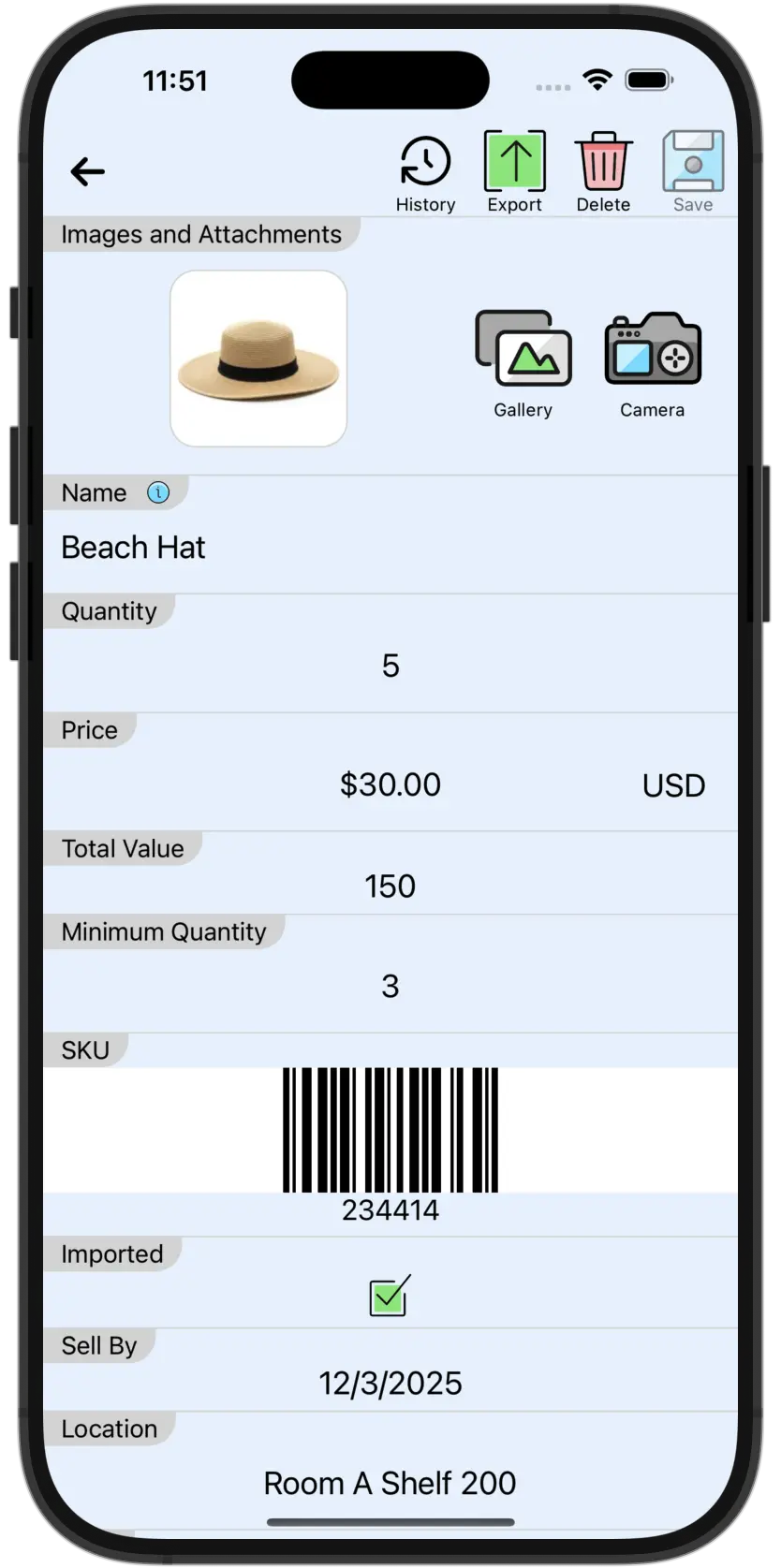
Every business is different — Maxilist gives you the flexibility to define your own custom barcode and QR code fields.
You can add multiple scannable fields per item, depending on your plan.
💝 Example: Wireless Mouse
| Field | Type | Description |
|---|---|---|
Manufacturer EAN | Barcode | Official EAN from the box |
Supplier SKU | Barcode | Distributor's SKU |
Warehouse Location | QR Code | Internal location like AISLE-3-SHELF-B |
Scan any of these, and Maxilist will take you to the same item record.
3. 🏷️ Generate Auto-Customized Internal IDs
Every item in Maxilist gets a unique, auto-generated ID — but you're in control:
- 🕥 Choose Your Format: Use Barcode (Code 128) or QR Code.
- ✏️ Customize the Prefix: Add identifiers like
BOOK-orASSET-for clear, branded IDs.
Combined with integrated label printing, you can tag everything in your inventory with professional, scannable IDs.
🖼️ Image Suggestion: Show two labels — one with a barcode (
WID-1001) and one with a QR code — both for the same item.
📊 Manual Entry vs. Maxilist Scanning
| Feature | Manual Process | Maxilist Scanner |
|---|---|---|
| Speed | Slow, tedious, typing required | ⚡ Instant, point-and-capture |
| Accuracy | High risk of typos | ✅ Virtually 100% accurate |
| Data Retrieval | Manual search needed | 🔍 Instant look-up via code |
| Efficiency | Workflow bottlenecks | 🔄 Seamless and scalable |
| Scalability | Breaks at scale | 📈 Grows effortlessly with you |
❓ Frequently Asked Questions (FAQ)
🔧 Do I need special hardware to scan?
Nope! Maxilist uses your phone's built-in camera. No extra devices needed.
📦 What barcode formats are supported?
Maxilist supports all major types:
- QR Code
- EAN-13, EAN-8
- Code 128, Code 39
- UPC-A
🖨️ Can I print the codes?
Yes! With built-in label printing, you can generate and print labels with:
- Custom IDs
- Prices
- Product names
- Any other field
🌐 What if I'm offline?
Maxilist's offline mode still lets you:
- Scan and search existing items
- Make changes or add new items Everything syncs automatically when you're back online.
❌ Stop Typing. ✅ Start Scanning.
Your time is valuable — stop wasting it on outdated inventory methods.
Maxilist's powerful scanning tools help you manage your inventory smarter, faster, and more reliably — whether you're running a warehouse, a retail store, or your personal collection.