Comprehensive Activity History
Ever wondered who changed what, when, or why in your inventory?
In the fast-paced world of inventory management, transparency and accountability are essential.
Maxilist's Activity History isn't just a log — it's your inventory's watchdog, giving you total visibility and peace of mind.
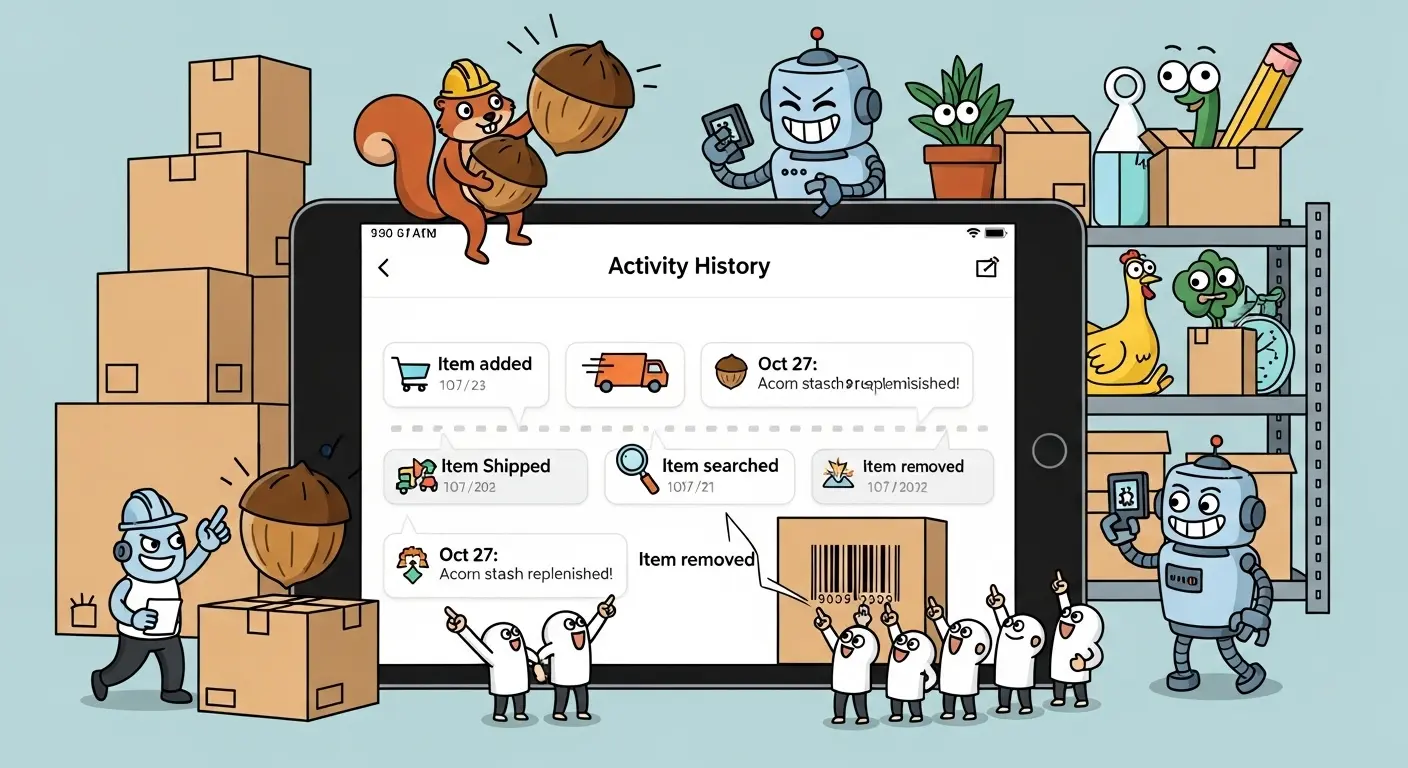
🧠 What is Activity History?
Maxilist's Activity History is a detailed, unalterable audit trail for your account.
📌 It tracks every single change — from user role updates to quantity edits and custom field additions.
🔐 Why is Activity History Crucial for Your Business?
This feature does more than record data — it empowers your operations with insights and control:
-
🛡️ Enhanced Security
Identify suspicious changes and unauthorized access instantly. -
📈 Compliance & Auditing
Easily meet regulatory requirements with long-term change logs. -
🛠️ Troubleshooting & Error Correction
Backtrack to find and fix issues like accidental deletions or wrong entries. -
🤝 Team Accountability
Transparency improves team discipline and reduces costly mistakes. -
⚙️ Operational Optimization
Spot activity patterns and workflow bottlenecks to improve processes.
🧭 Dive Deeper with Powerful Filtering Capabilities
Activity History isn't just a timeline — it's a smart analysis engine with deep filtering features.
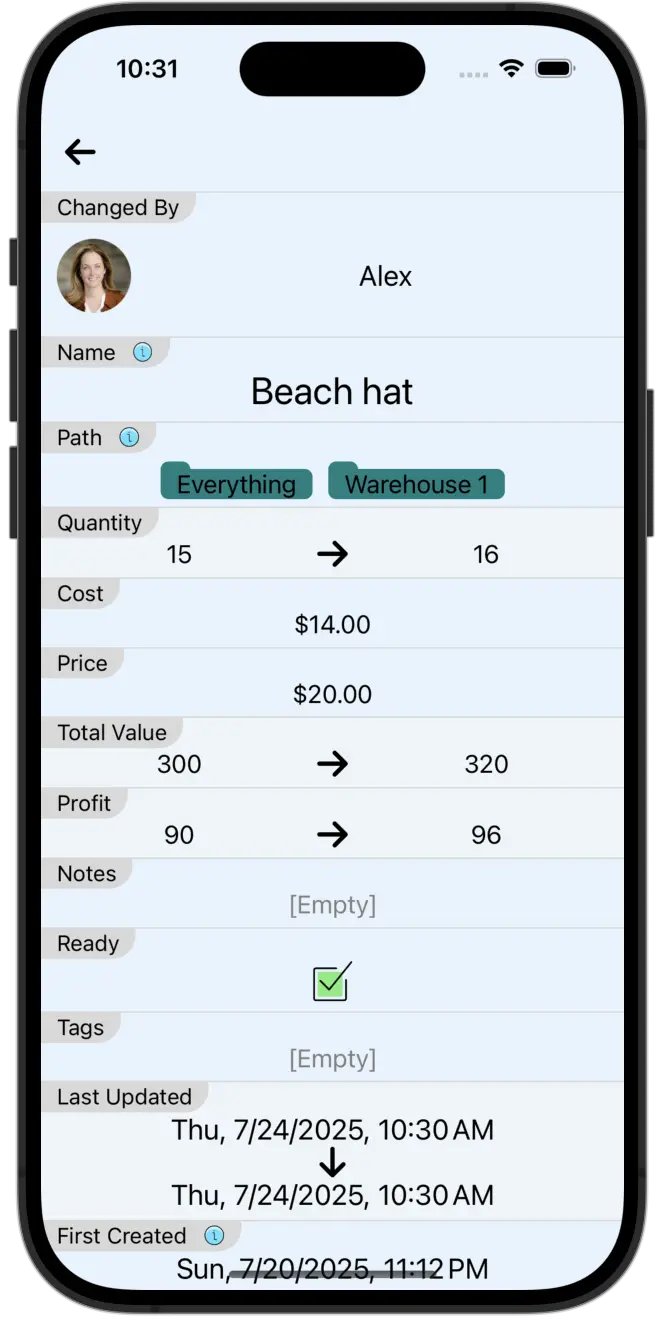
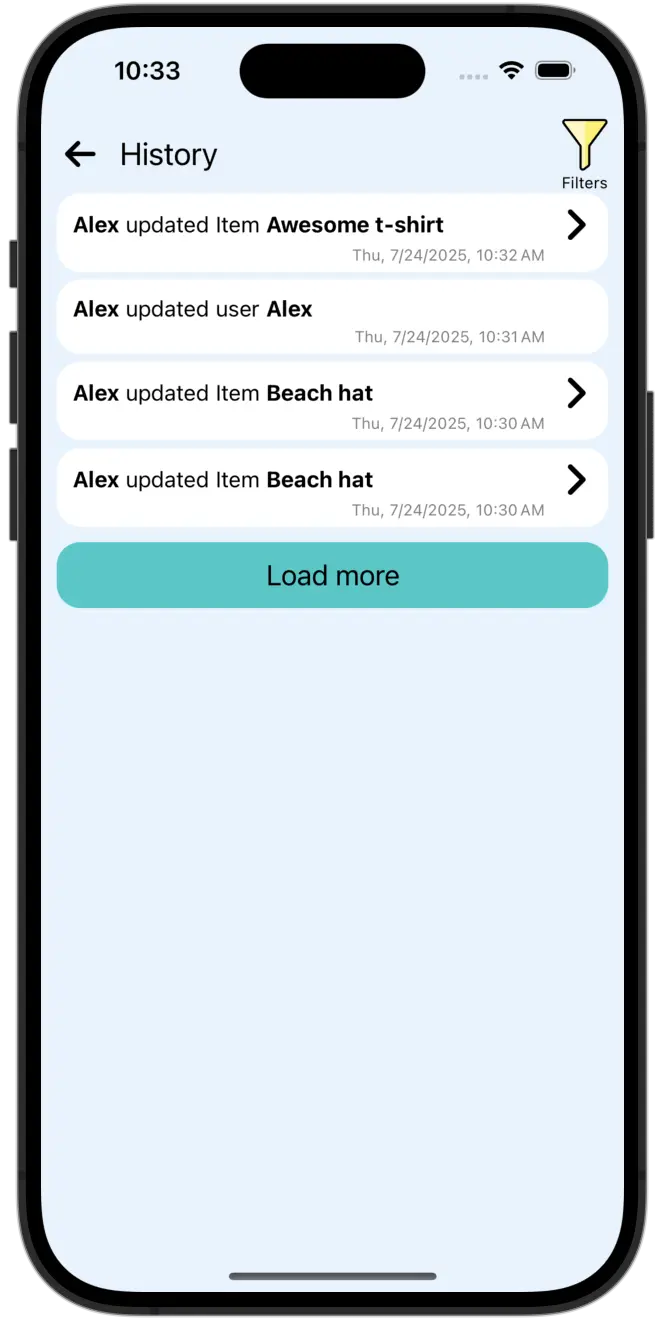
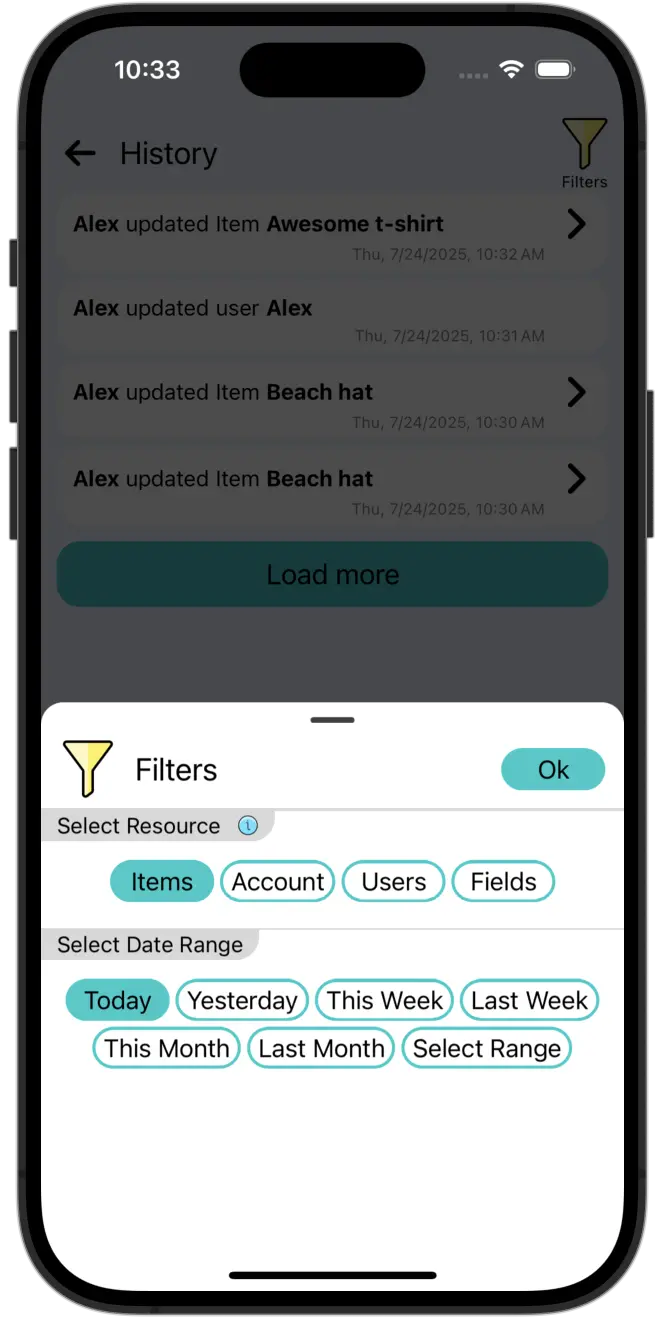
📂 Filter by Resource Type
| Resource Type | What it Tracks | Example Use Case |
|---|---|---|
| 👤 Users | User account changes, permissions, additions, or deletions | Review who gained access to sensitive inventory last month |
| 📦 Items | Quantity/location/status changes to items | Investigate why a product's stock dropped overnight |
| 🏷️ Fields | Creation/modification of custom fields | Verify proper setup of a new “Expiration Date” field |
| 🗃️ Collections | Changes to collection data or item grouping | Find who reorganized the "Seasonal Goods" collection |
| 📎 Attachments | Uploads, deletions, or edits of attachments | Confirm if product photos were updated correctly |
| ⚙️ Account Settings | Branding, config, or subscription updates | Confirm if the company logo was recently updated |
| 🌐 All Resources | Shows every recorded activity | Perform a full audit across all types of changes |
⏱️ Filter by Time of Occurrence
Time-based filtering lets you zoom in on events with precision:
- 📅 Daily Review – Track all changes from the previous business day
- 🧾 Weekly Audit – Ensure consistency in weekly updates
- 🚨 Incident Investigation – Focus on the hour/minute a problem occurred
🔄 See the "Before" and "After"
Maxilist captures both original and updated values for any change. Perfect for auditing and validation.
Examples:
- 📉 Quantity Change
From:100→ To:95 - 💵 Price Adjustment
From:$25.00→ To:$52.00 - 👥 User Role Change
From:Viewer→ To:Editor
💼 Maxilist's Activity History in Action
🏢 For Small to Medium Businesses
A retail store owner finds a stock mismatch on a popular dress.
🔎 Solution: Filters Activity History by Items → Sees intern entered “5” instead of “50” → Fixes issue and educates team.
🛒 For E-commerce Teams
A multi-user online store needs consistent product listings.
🔎 Solution: Filters Activity History by Fields and Items → Detects altered descriptions and reversed image uploads.
📦 For Warehouse Managers
Tool accountability is essential in shared environments.
🔎 Solution: Filters by Items and Time → Identifies who changed tool status and when → Boosts return compliance.
❓ Frequently Asked Questions (FAQ)
How long is activity history retained?
🗂️ Based on your Maxilist subscription. Long-term options available.
Can I export the activity history?
📤 Not directly as a standalone log yet, but we are working on adding this feature.
Does it show who made the change?
✅ Absolutely. Every change is tagged with the responsible user — perfect for audits and collaboration tracking.
Can I filter changes made to just one item?
Absolutely. Filter by Item ID or use the search feature.
Are deleted items logged?
Yes. Deleted entries are retained in the history log with full metadata.
Who can view the Activity History?
Admins by default.
How is this different from an audit log?
It's more detailed. You see value changes, user IDs, and time, not just a vague “edit happened”.
Will history be kept offline?
No. The history is cloud-synced to ensure it's always up-to-date and secure.
✅ Final Thoughts
Maxilist's Activity History is more than just a feature — it's a core pillar of inventory integrity.
With deep filters, detailed records, and seamless mobile access, you'll always be one step ahead of potential issues.
**🔓 Ready to take control of your inventory's story
**Explore Maxilist today!**